Skip to content

iUNFI Task Resources


Video Library

Find answers fast with on‑demand videos that guide you through ordering.
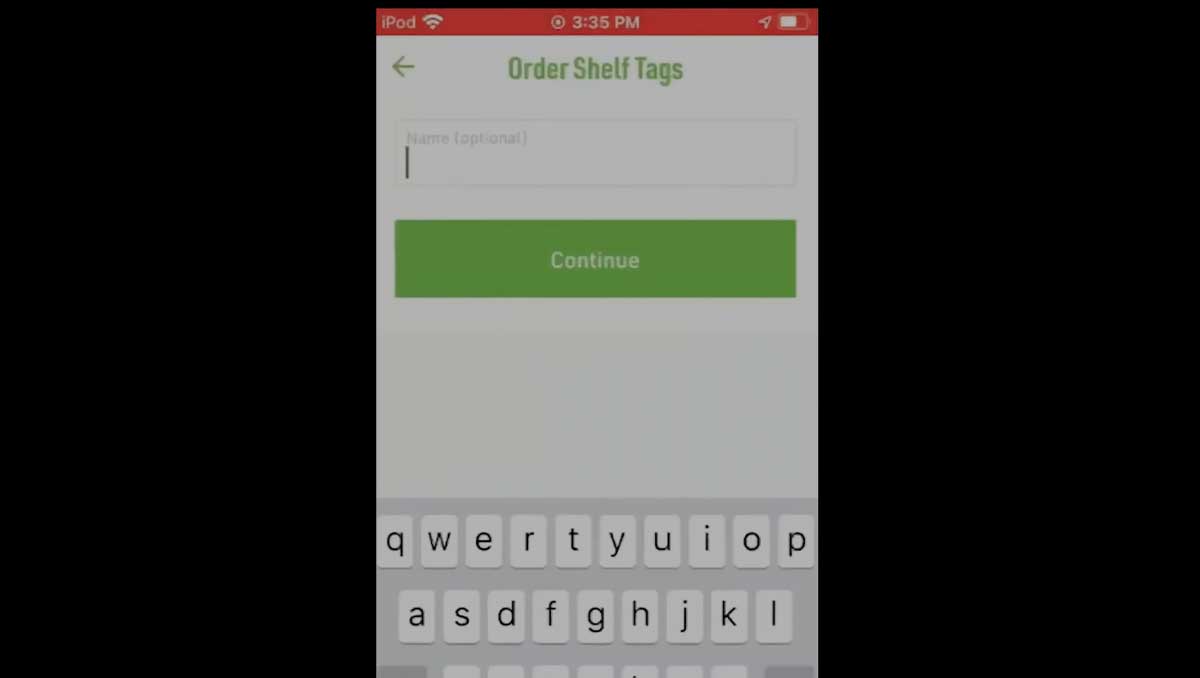
 

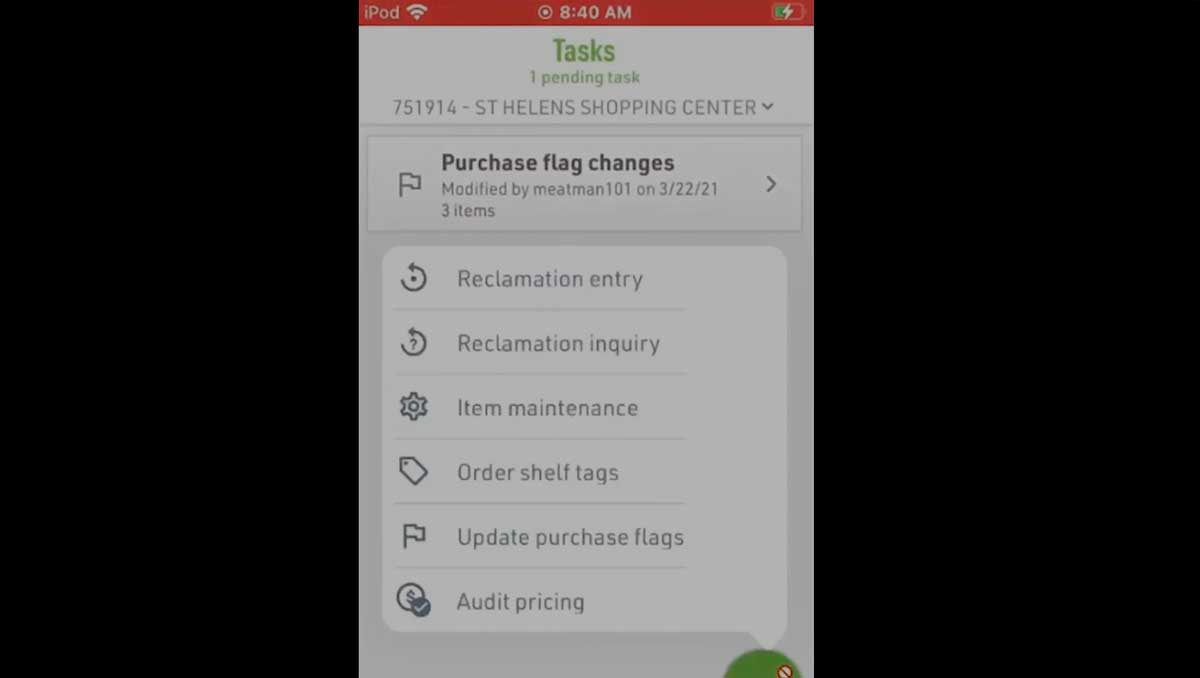
Order Shelf Tags

How to order shelf tags using your iUNFI device.

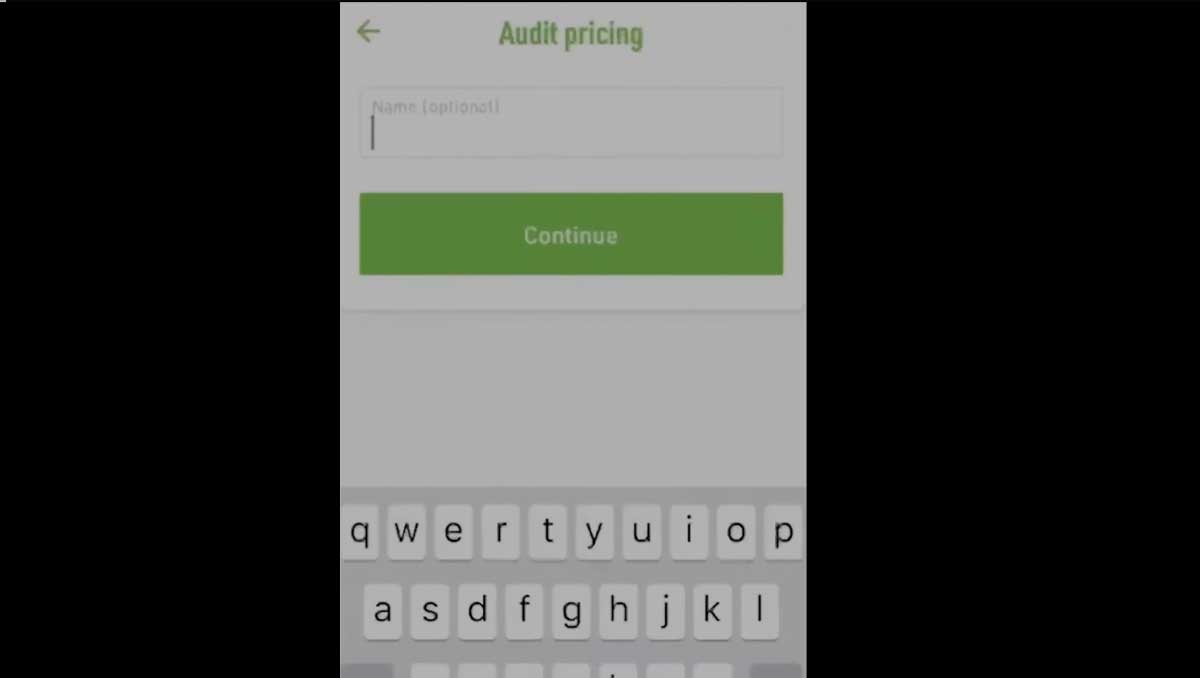
Complete an RSVP Shelf Label Audit

How to complete an RSVP shelf label audit using your iUNFI device.

Manage Purchase Flags

How to turn purchase flags on or off, update them in an item maintenance batch, and submit changes.

Manage Purchase Flags

How to turn purchase flags on or off, update them in an item maintenance batch, and submit changes.

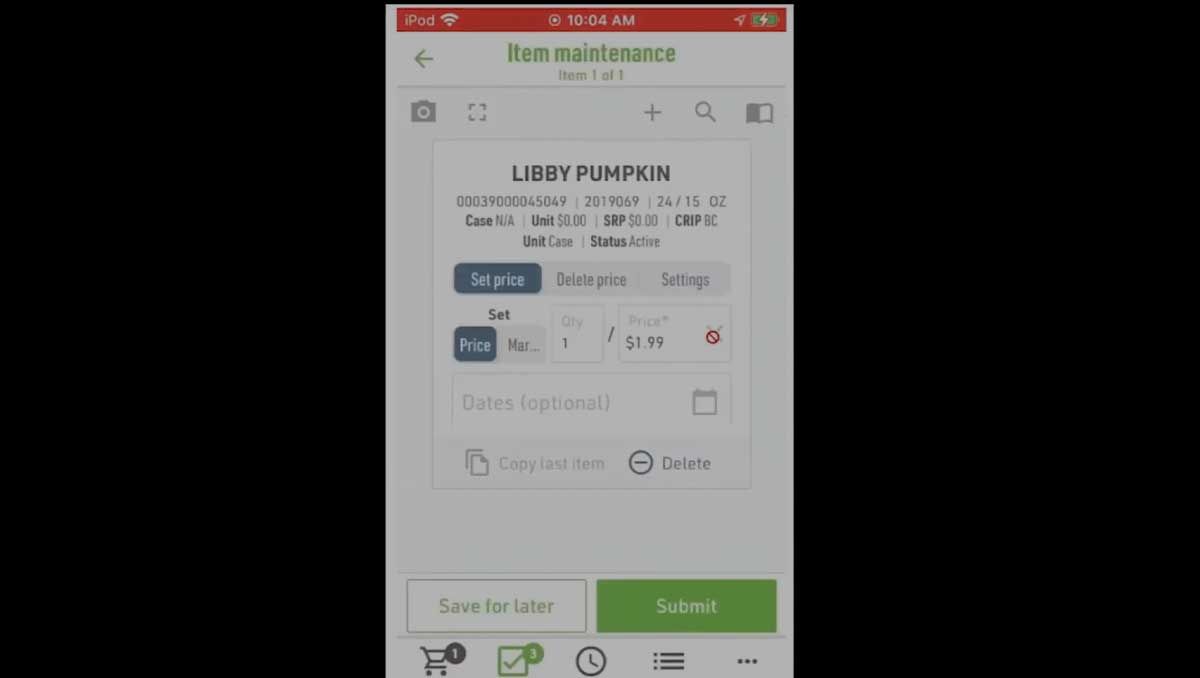
Update CRIP Retail Pricing

How to create an item maintenance batch to change CRIP retail pricing, including margin, price adjustments, and effective dates.

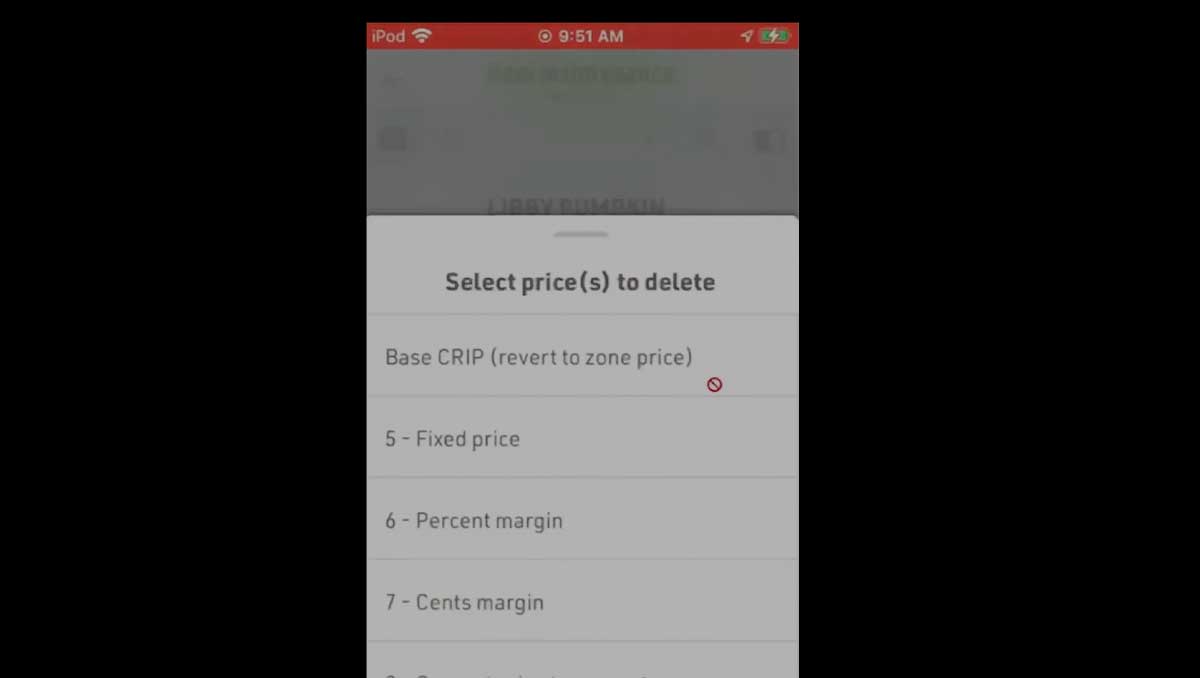
Delete CRIP Retail Pricing

How to remove CRIP retail pricing using an item maintenance batch and submit the changes.

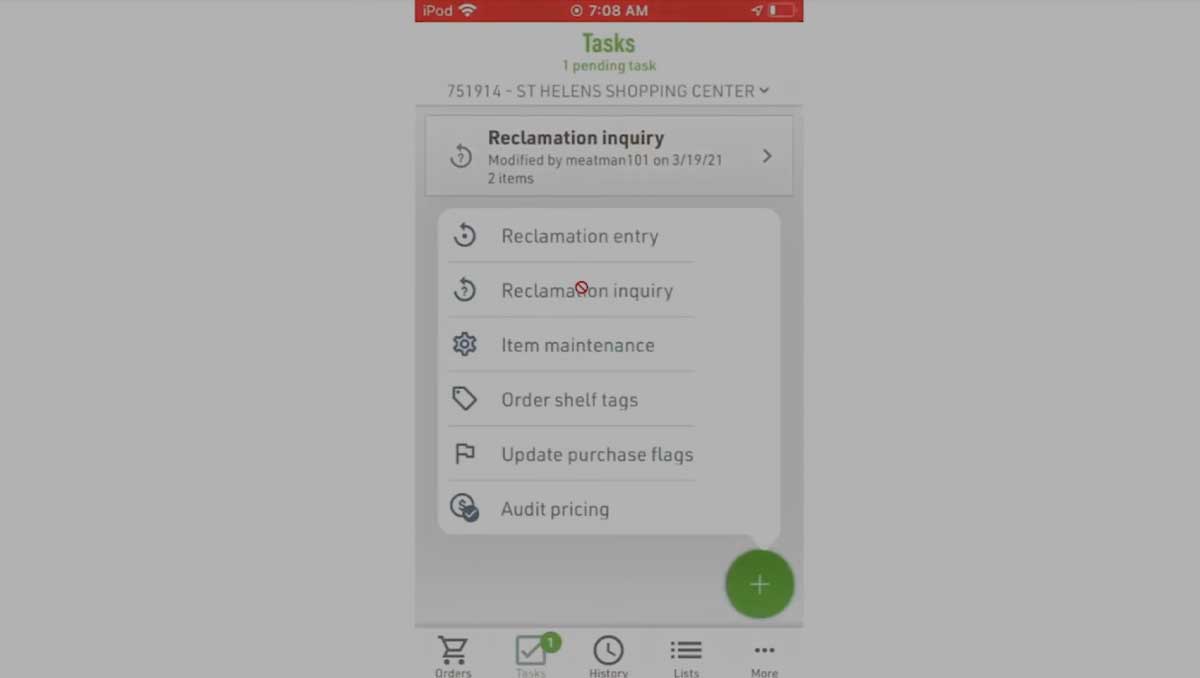
Check Reclaim Status

How to look up the reclaim status of items by UPC or item code and receive results by email.

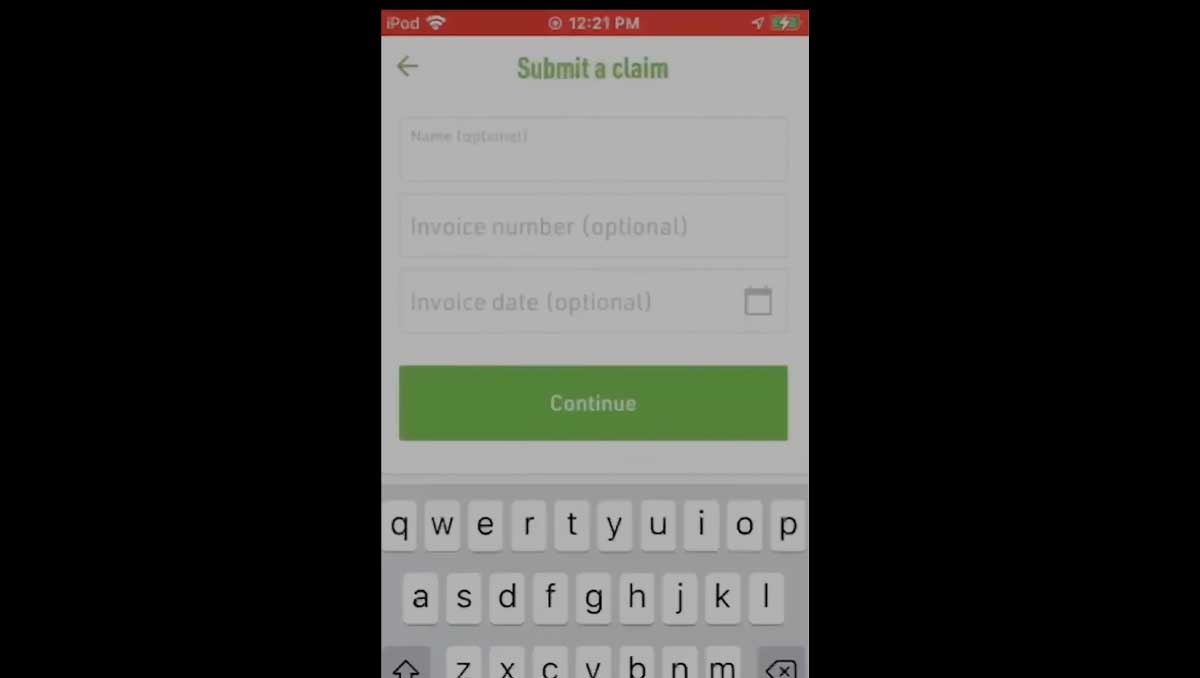
Submit a Claim in iUNFI

How to enter and submit a claim in iUNFI, including adding photos during submission.

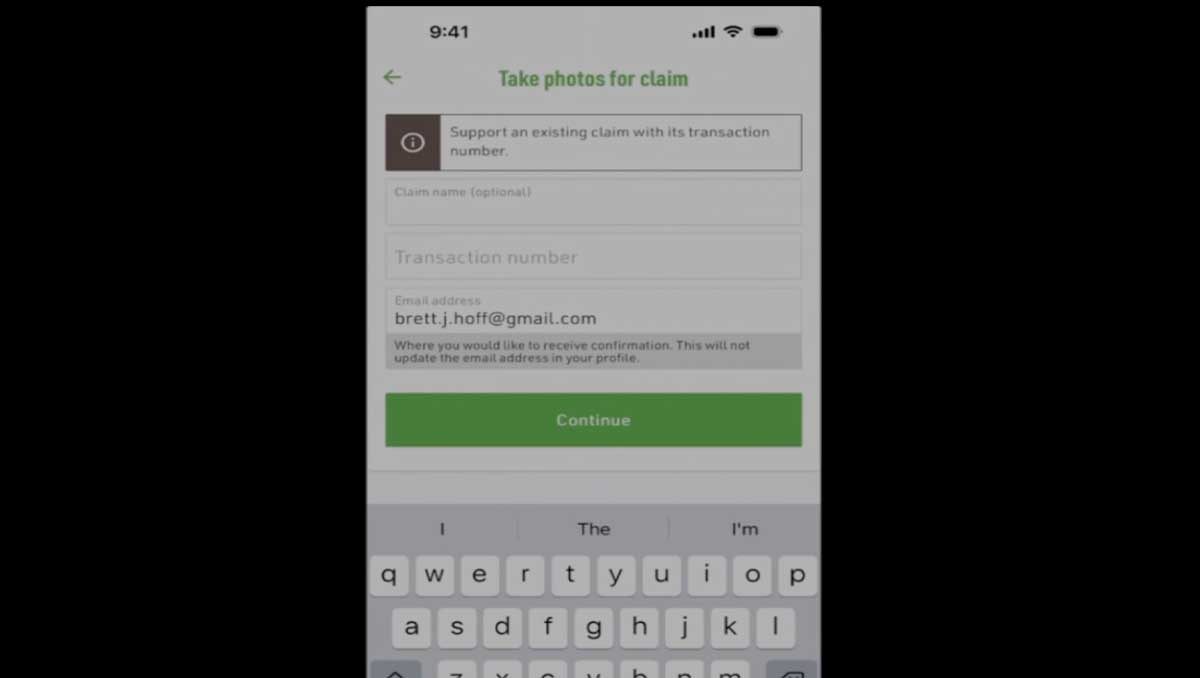
Capture Photos for Existing Claims

How to add photos to an existing claim in iUNFI.

More iUNFI Resources to Explore

iUNFI Support & Resources Ordering  |   General & Setup   |   Order Review