We’re built for your growth. A better, broader product assortment, differentiated delivery network, customized services, supplier expertise, and a team of partners are at your disposal.
Your road to exponential growth just got easier. Reaching your most loyal end-shopper is now within reach as a UNFI supplier.
More than 250,000 natural, organic and conventional SKUs are available for your stores so you can stand out in an evolving marketplace.
We offer you exactly what you need to stand out from your competition and grow your business in a way that aligns with your mission.
Stay up to date about all things UNFI.
Find answers fast with on‑demand videos that guide you through ordering.
How to log in, switch between accounts, log off, and sign in with a different user ID.
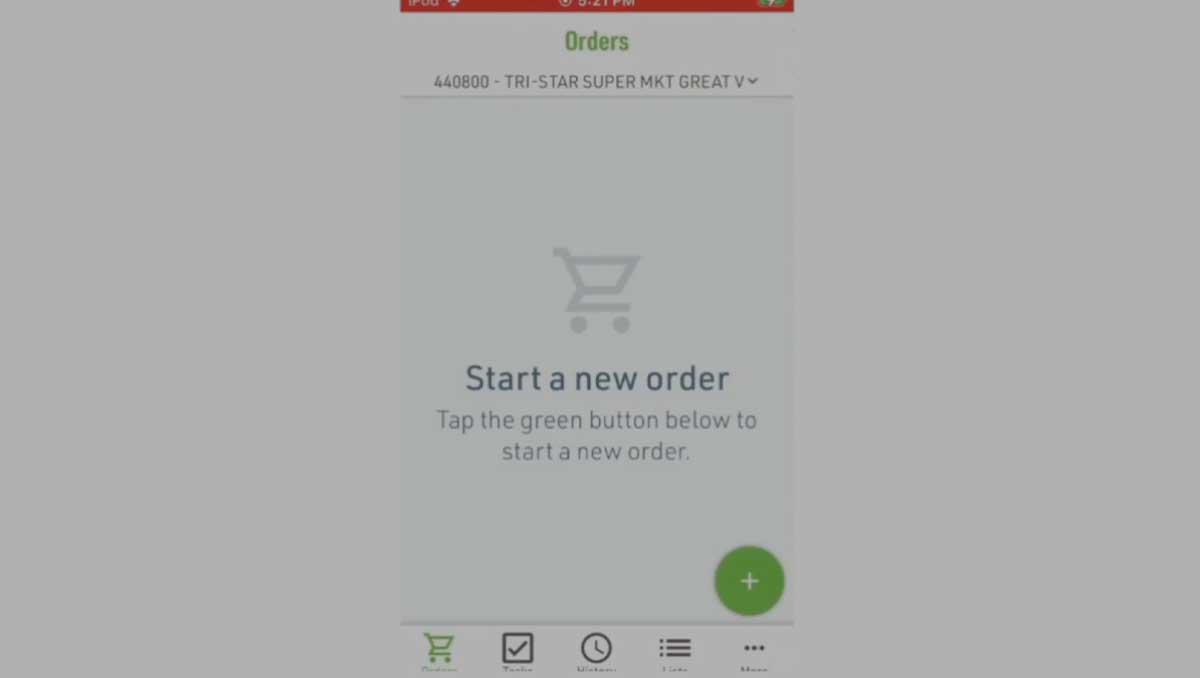
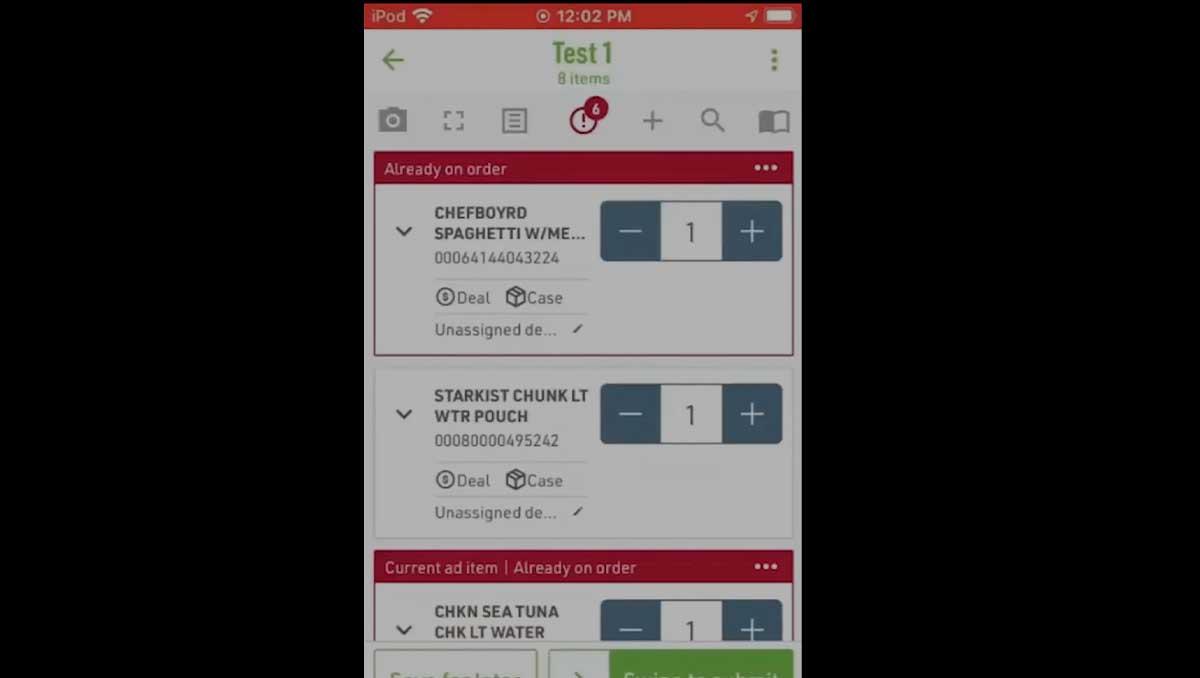
How to start an order, set delivery details and a PO, apply alert settings, adjust invoice departments, and add items by scanning.
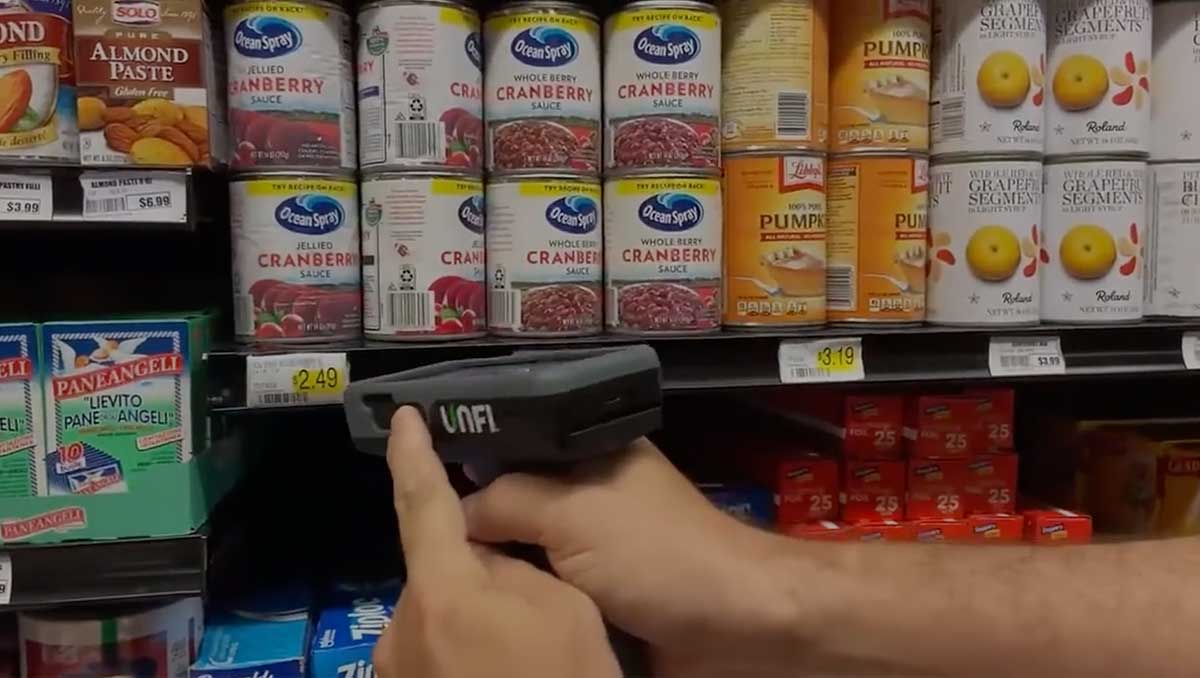
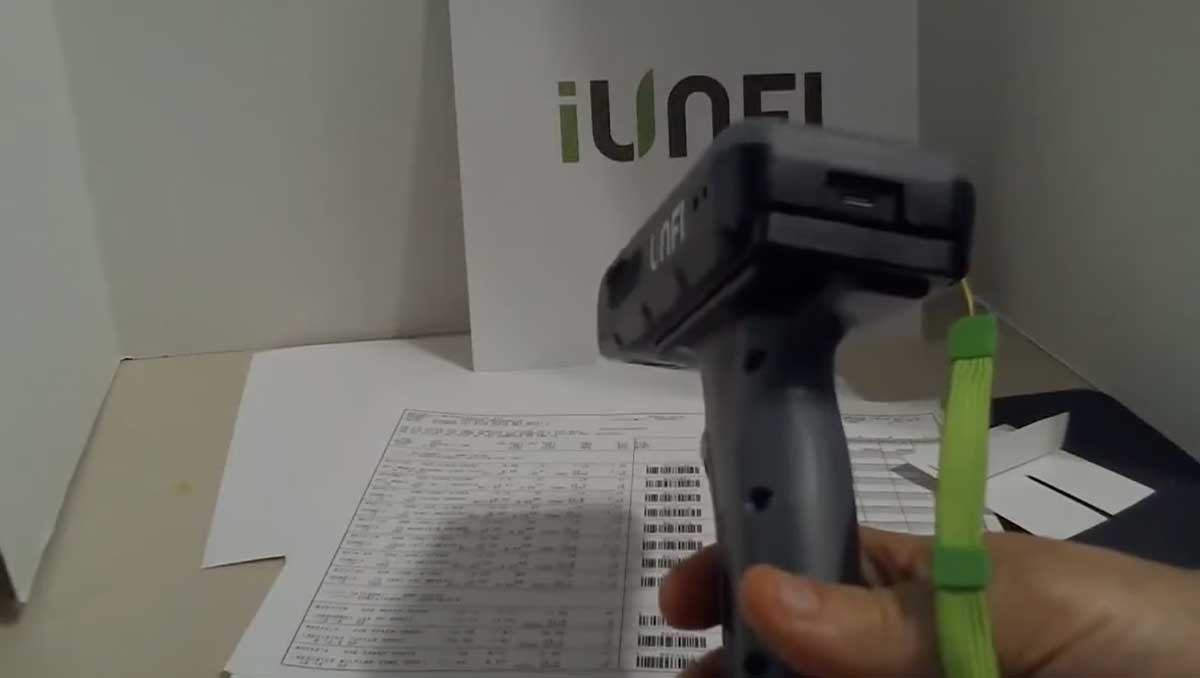
Best practices for scanning barcodes to quickly and accurately add items to your order.
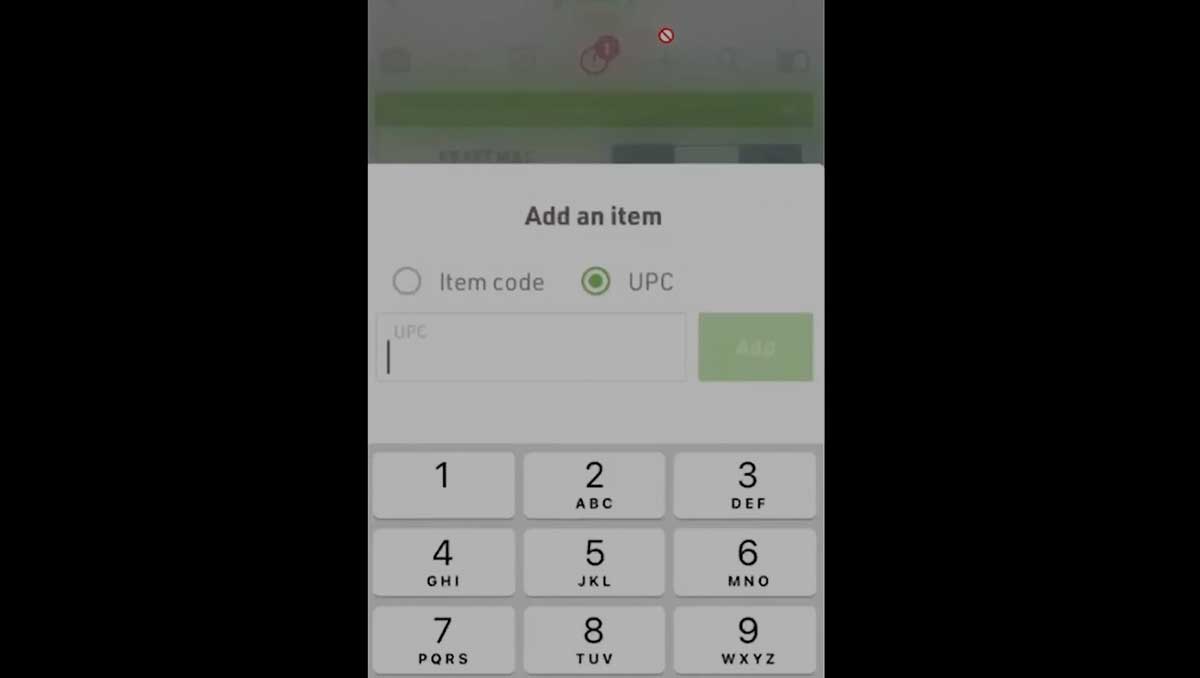
How to add items using item codes, UPCs, or keyword searches, including searches using part of a description.
How to use a barcoded order guide to quickly build an order.
How to submit an order, view confirmation details, and review item-level information.
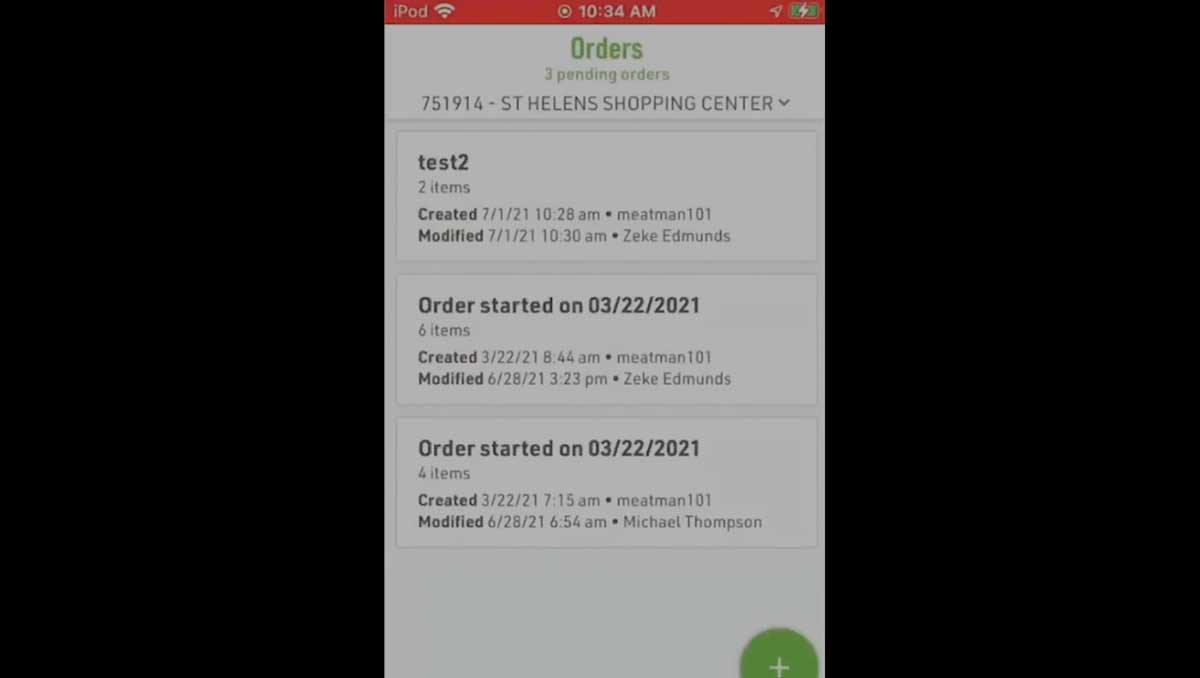
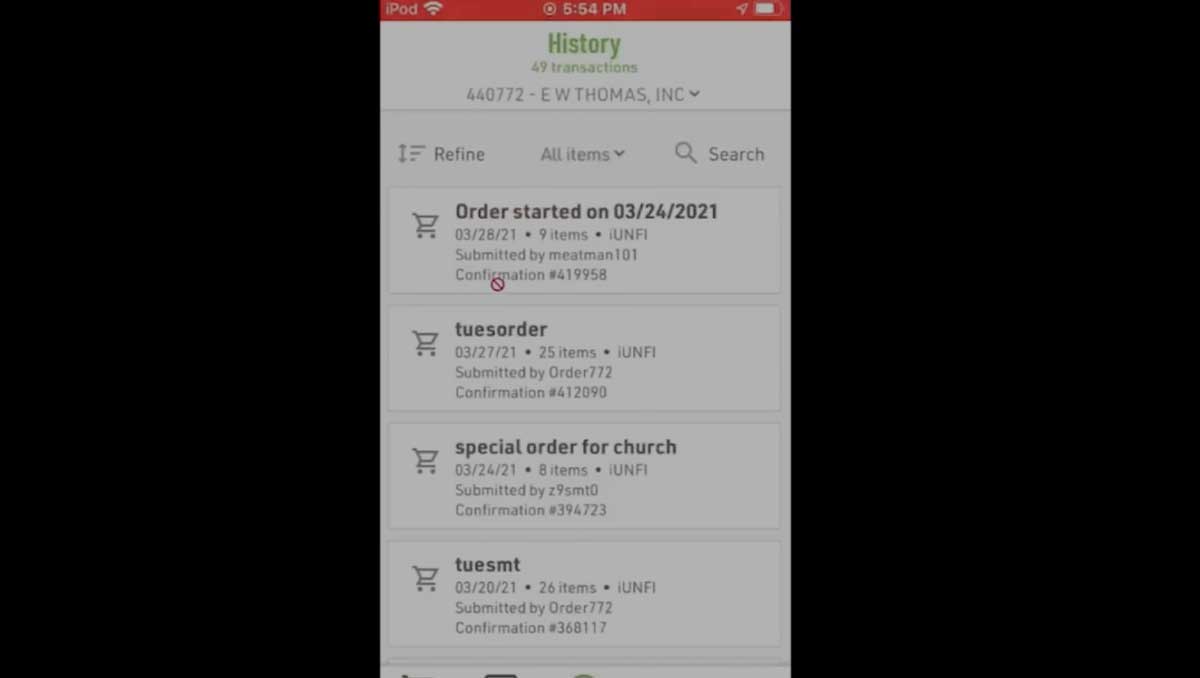
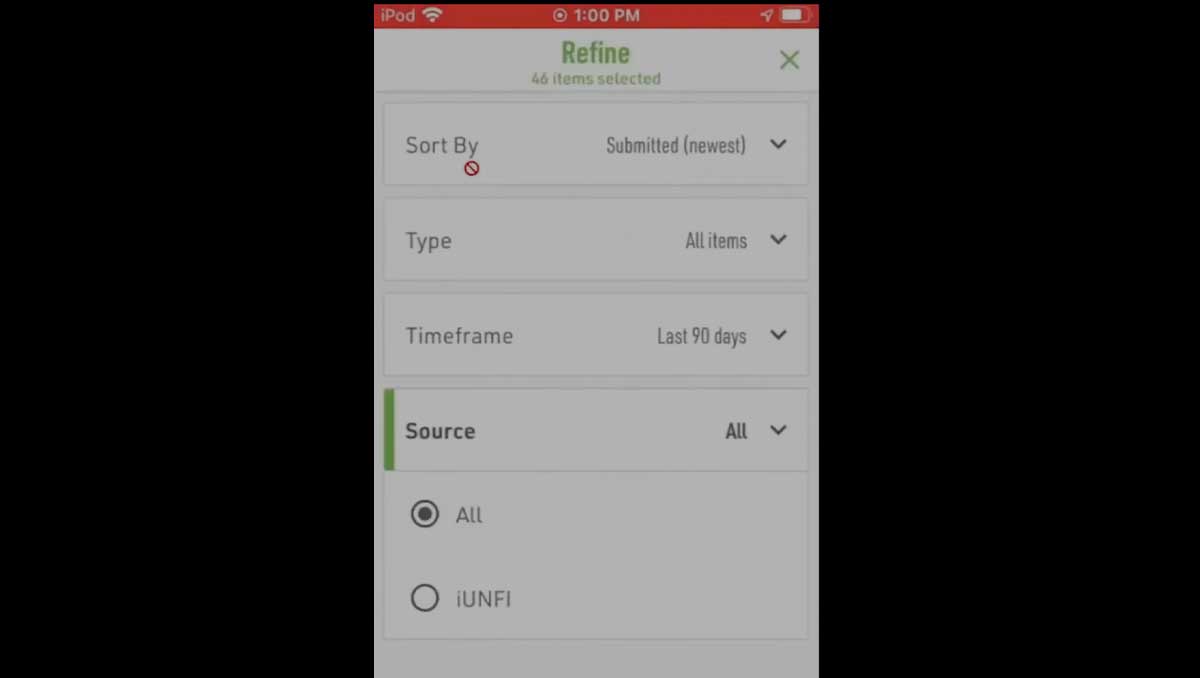
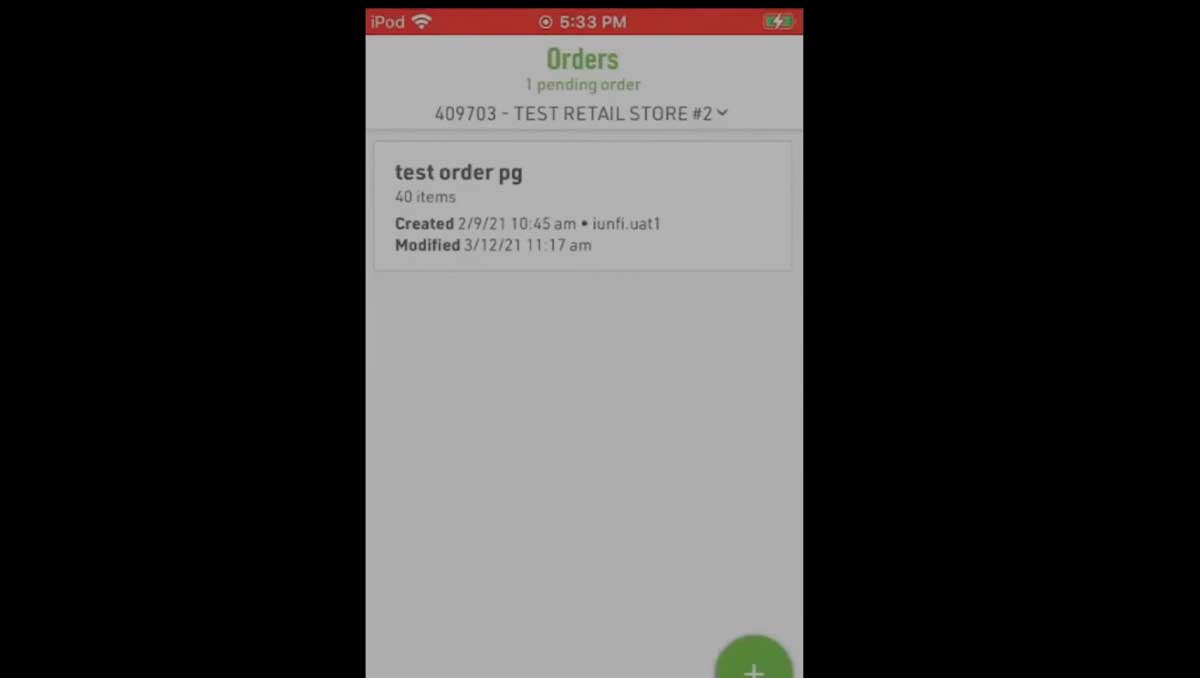
How to review pending and submitted orders, edit items, delete batches, and submit orders.
How to delete an entire pending order or remove individual items from a batch.
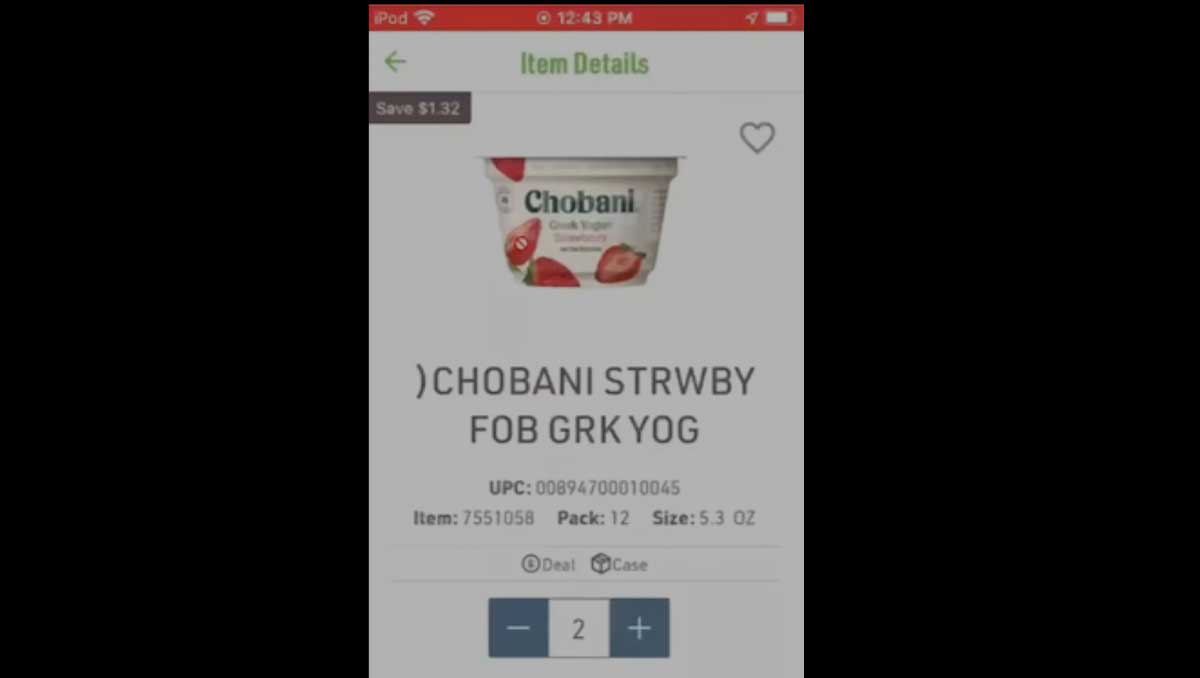
How to view detailed information for items in your order or in the catalog.
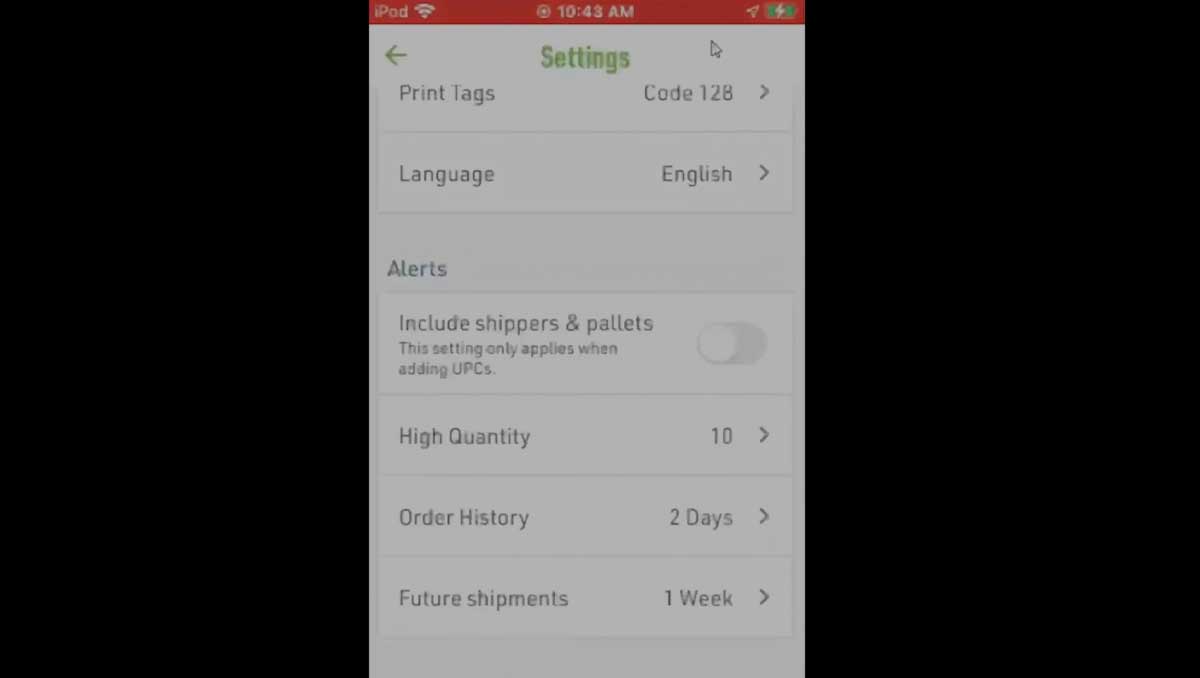
What Alert Settings are, how to apply them in settings and during order setup, and how to request updates to preset options.
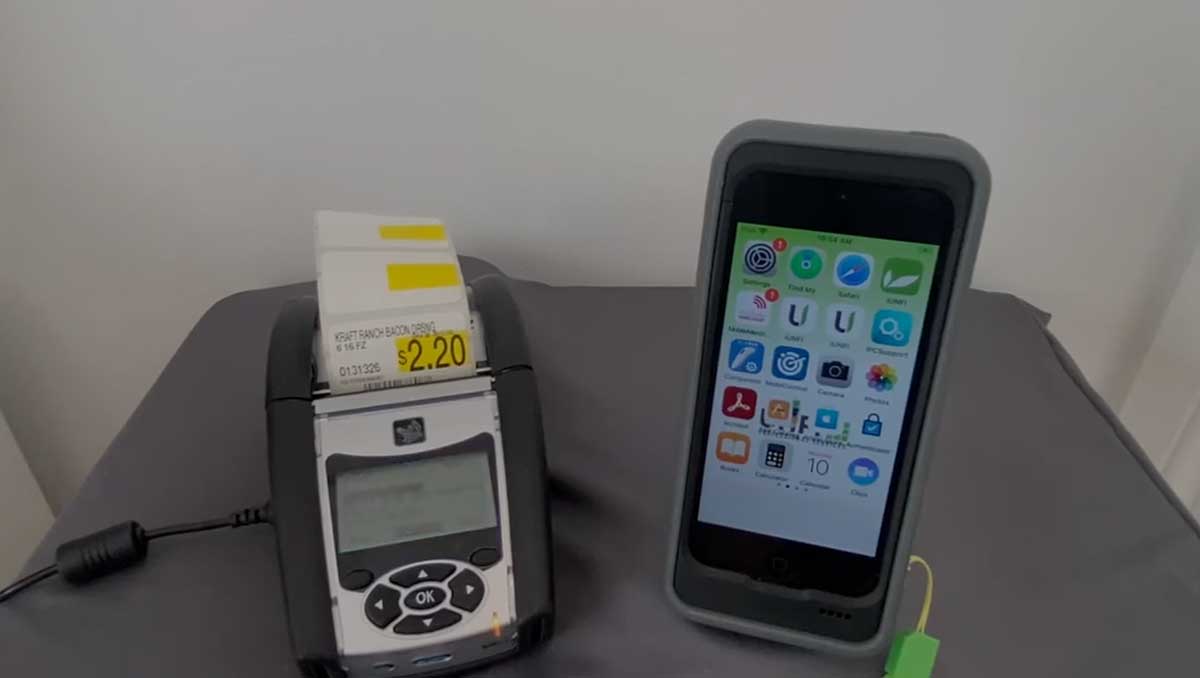
How to connect a belt printer, check battery levels, and print labels during ordering.
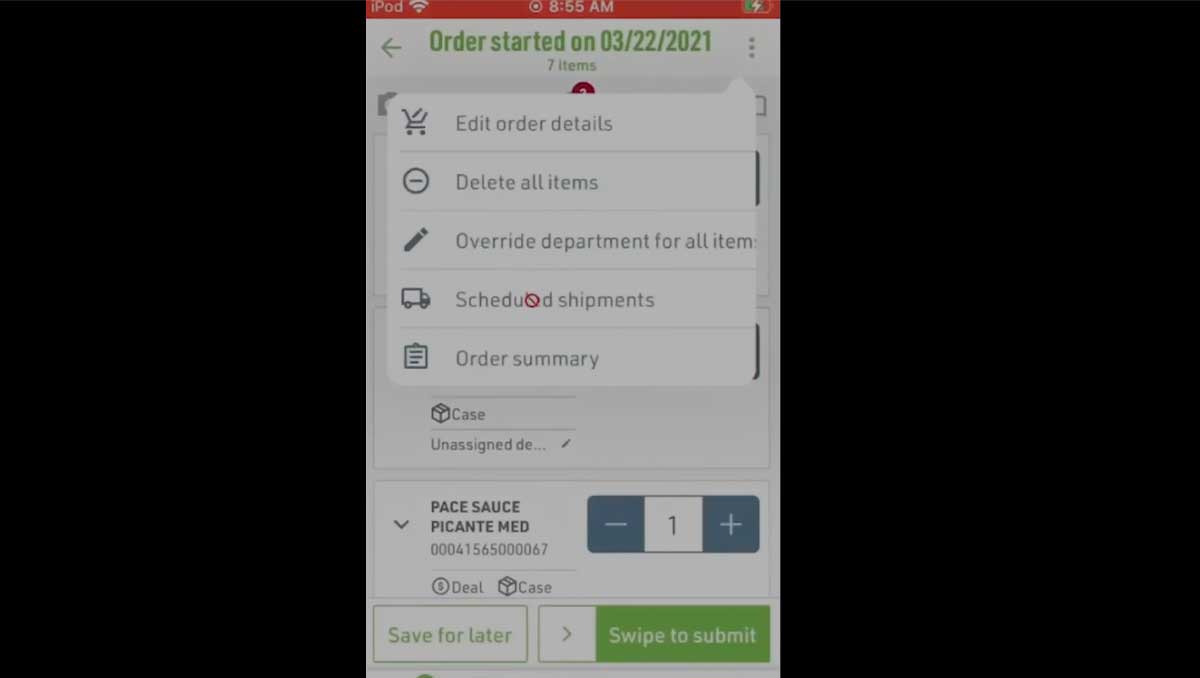
How to override invoice departments for an entire order or individual items.
How to check upcoming shipment sizes by department for a selected date.
When to use offline ordering, how to create an offline order, and how to resolve it once reconnected.
iUNFI Support & Resources | General & Setup | Order Review | Tasks